

Browser Extension

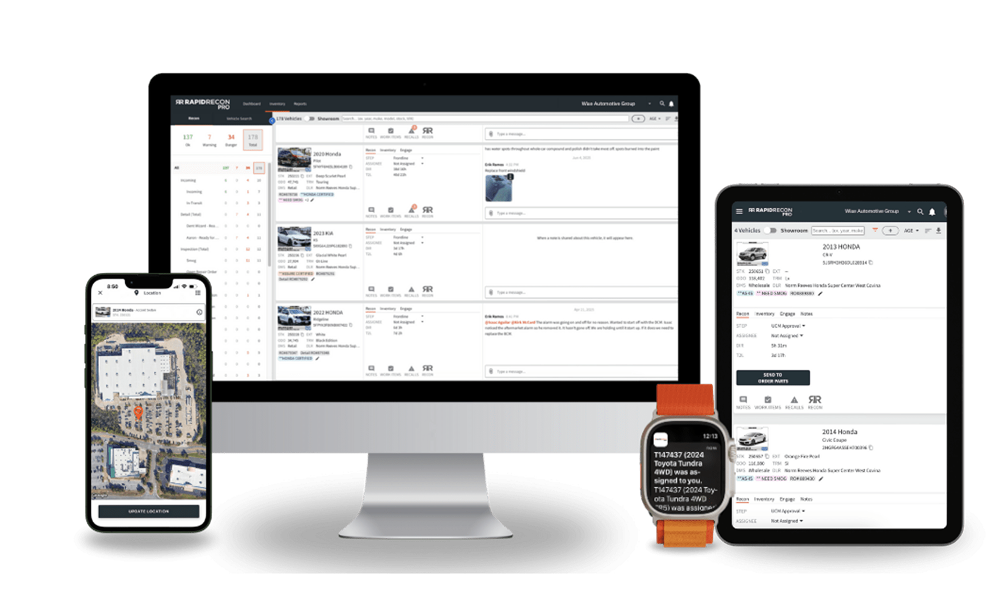
Unify and empower your team
Bring sales, service, and management together with one connected workflow.
Eliminate confusion with real-time visibility into every vehicle’s progress, so everyone knows what’s done, what’s next, and who’s responsible.
Bring sales, service, and management together with one connected workflow.
Eliminate confusion with real-time visibility into every vehicle’s progress, so everyone knows what’s done, what’s next, and who’s responsible.
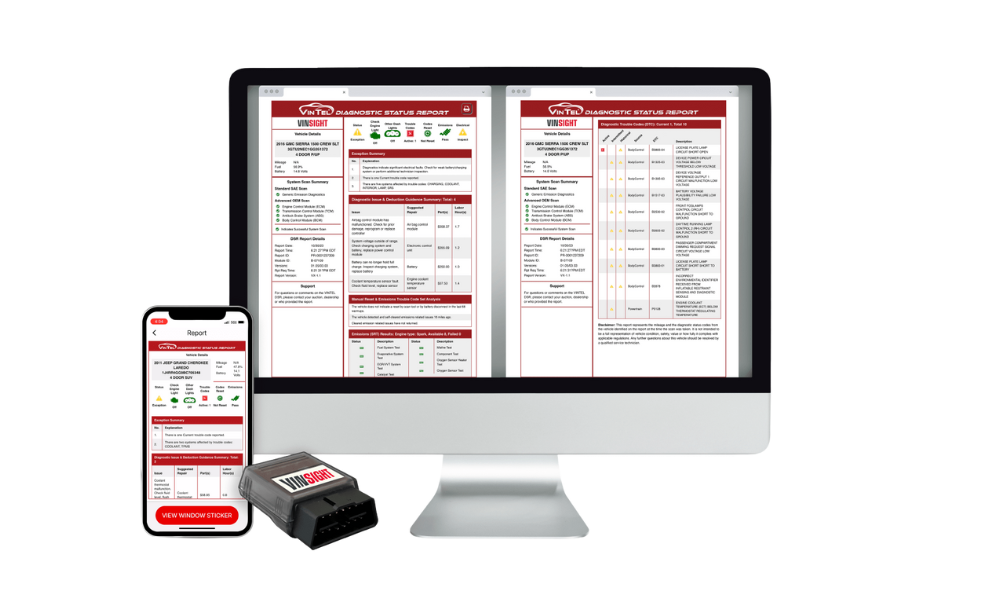
Appraise and price with accuracy
Eliminate guesswork and protect your profits.
Access the right data at the right time to make confident decisions, reduce surprises, and maintain consistent valuations across every deal.
Eliminate guesswork and protect your profits.
Access the right data at the right time to make confident decisions, reduce surprises, and maintain consistent valuations across every deal.
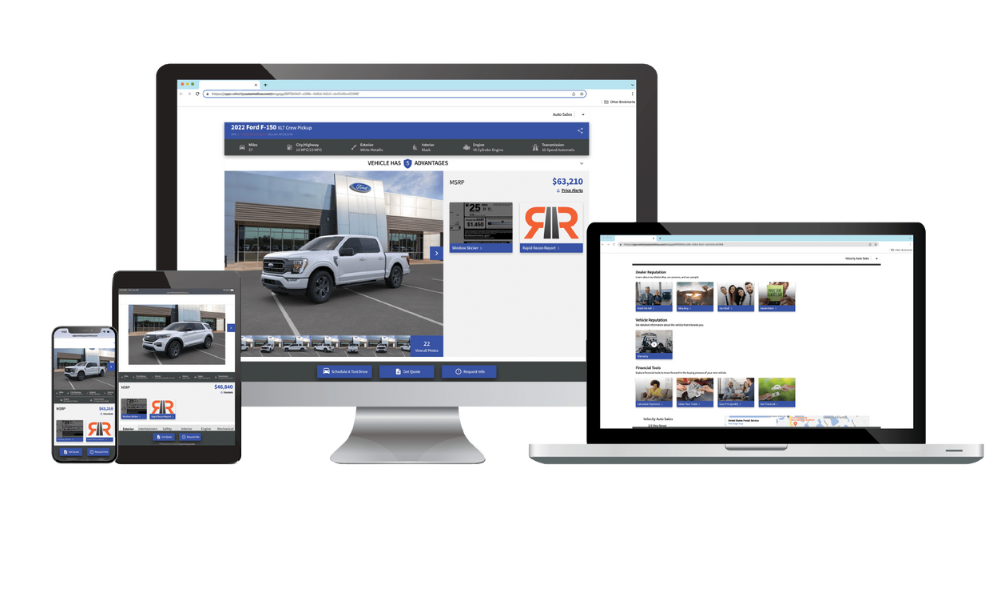
Integrate and automate your systems
Connect every tool for seamless productivity.
Sync data automatically across platforms to save time, reduce errors, and keep your team aligned from appraisal to delivery.
Connect every tool for seamless productivity.
Sync data automatically across platforms to save time, reduce errors, and keep your team aligned from appraisal to delivery.
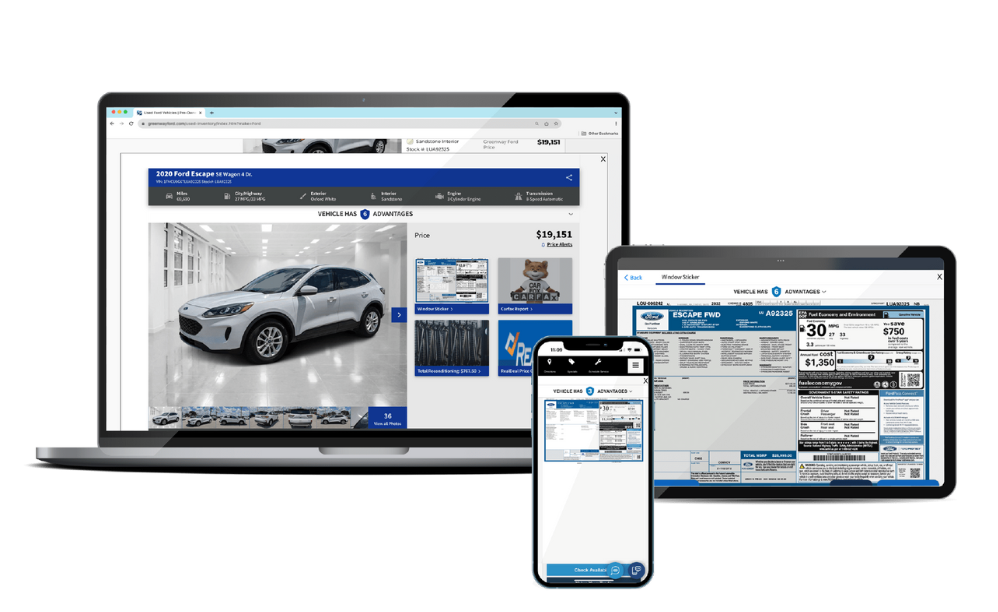
Elevate the buying experience
Build trust and speed up decisions with complete transparency.
Give buyers everything they need to move forward — clear data, verified details, and a polished presentation that inspires confidence.
Build trust and speed up decisions with complete transparency.
Give buyers everything they need to move forward — clear data, verified details, and a polished presentation that inspires confidence.
- Increase Speed to Sale
- Custom Workflow
- Bottleneck Elimination
- Holding Cost Control
- Custom Digital Forms
- Vendor Management
- Robust Reporting
- Multi-Store Management
- Automated Notifications
- Approval Suite with Media
- Industry Process Consulting
- Cross-Departmental Accountability
- Multi-Platform Integration
- Mobile Friendly Format
- Original Build Data
- Includes Port-Installed Options
- Includes Limited Production Options
- State Compliance Features
- Access During Appraisal
- Custom Web Browser Extension
- Accurate Customer-facing Information
- Competitive Advantage Sales Tool
- Rapid Recon Integration
- Rapid Engage Integration
- CRM Integration
- Brand Vehicle Brochures
- Brand Build Sheets
- Automated Customer Response
- New Car Buying Experience
- Set It and Forget It
- Rapid Recon Integration
- Heat Mapping Analytics
- Automated Price Alerts
- Custom Dealership Modules
- Sales Staff Empowerment
- Multi-Brand Compliant Customization
- Mobile Friendly Format
- Brand Build Sheets
- Remove Appraisal Blind Spots
- Easy to Understand Language
- Parts and Labor Pricing
- Easy Plug-In Play
- Open Safety Recall Detail
- Code Activity and History
- System Reset History
- Evidence Based Appraisals
- Rapid Recon Integration
- Cross-Departmental Communication


Integration is here
No More Jumping Between Programs
Introducing Rapid Recon Insight. Recon Insight is a complimentary browser extension for all Rapid Recon customers and is available through Google Chrome.
Install the Rapid Insight Google Chrome Extension.
Rapid Recon Insight Plug-in
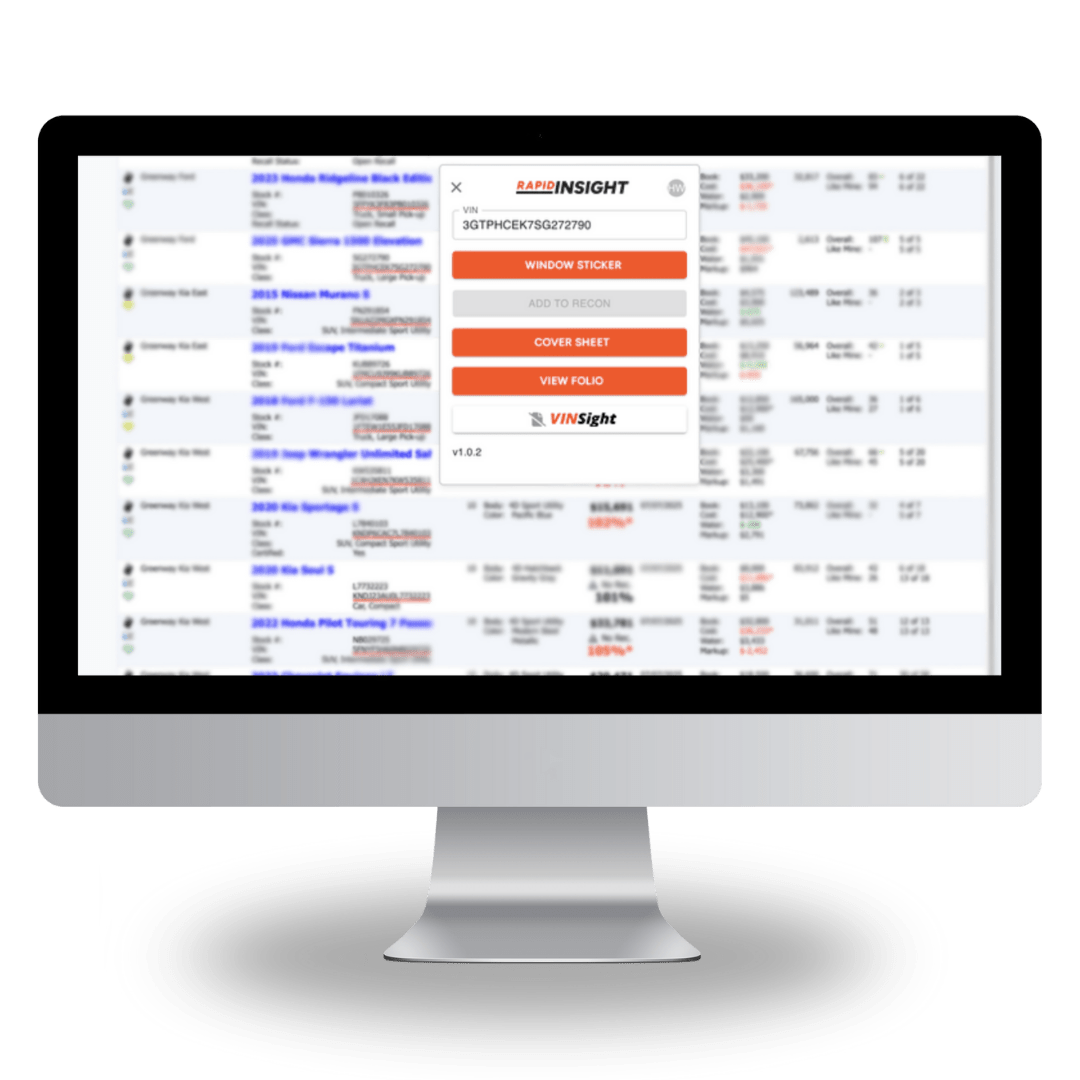
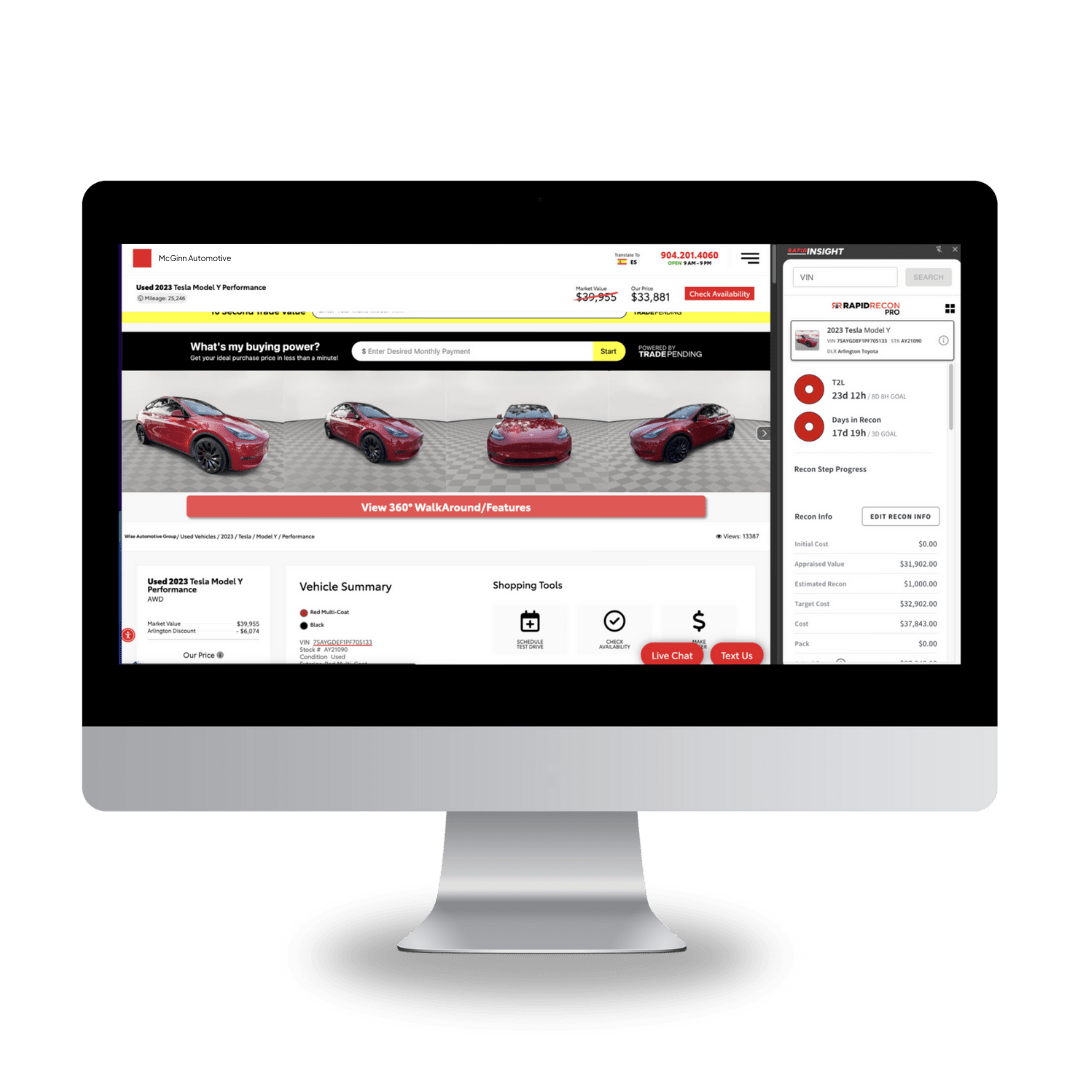
Access Rapid Recon Insight from your Inventory Management System, dealership website, CRM system and more.
We know your business, because we’ve lived it!
Related Content

16/10/2026
How to cut recon downtime at your dealership
Read More

18/09/2026
What slow recon really costs your dealership
Read More
