

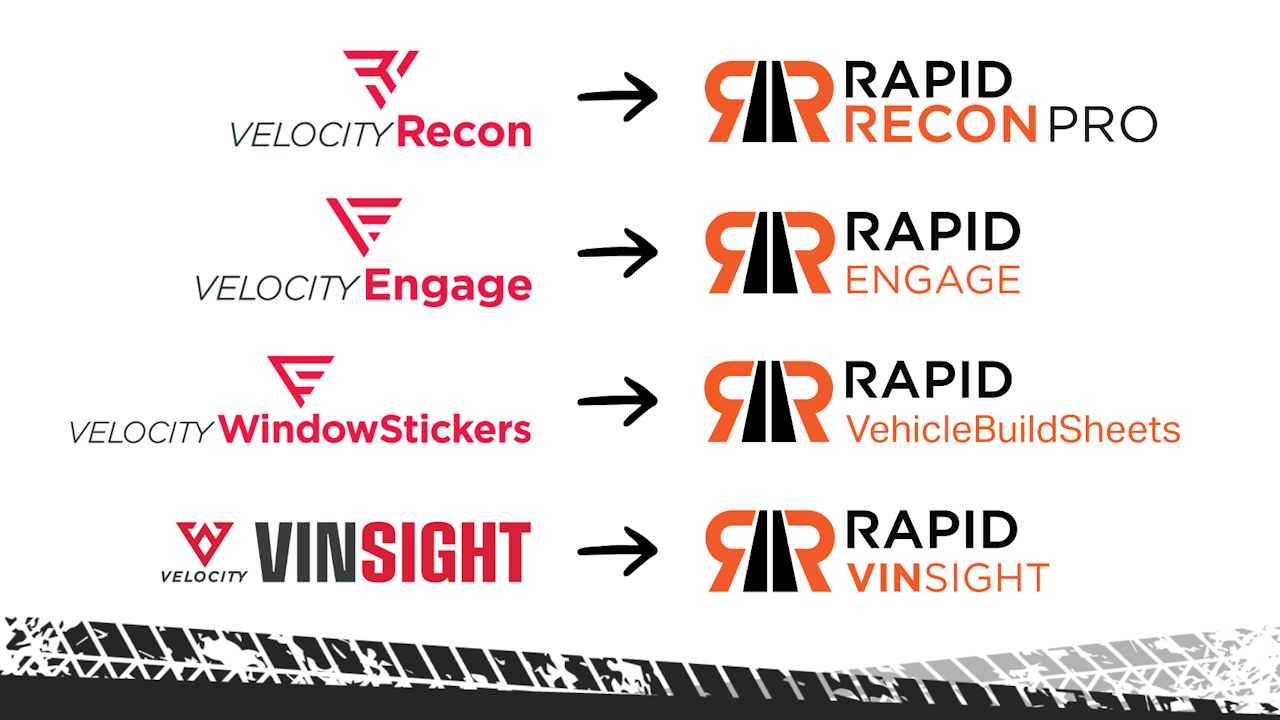
Velocity Automotive → Rapid Recon
Velocity Automotive Transition
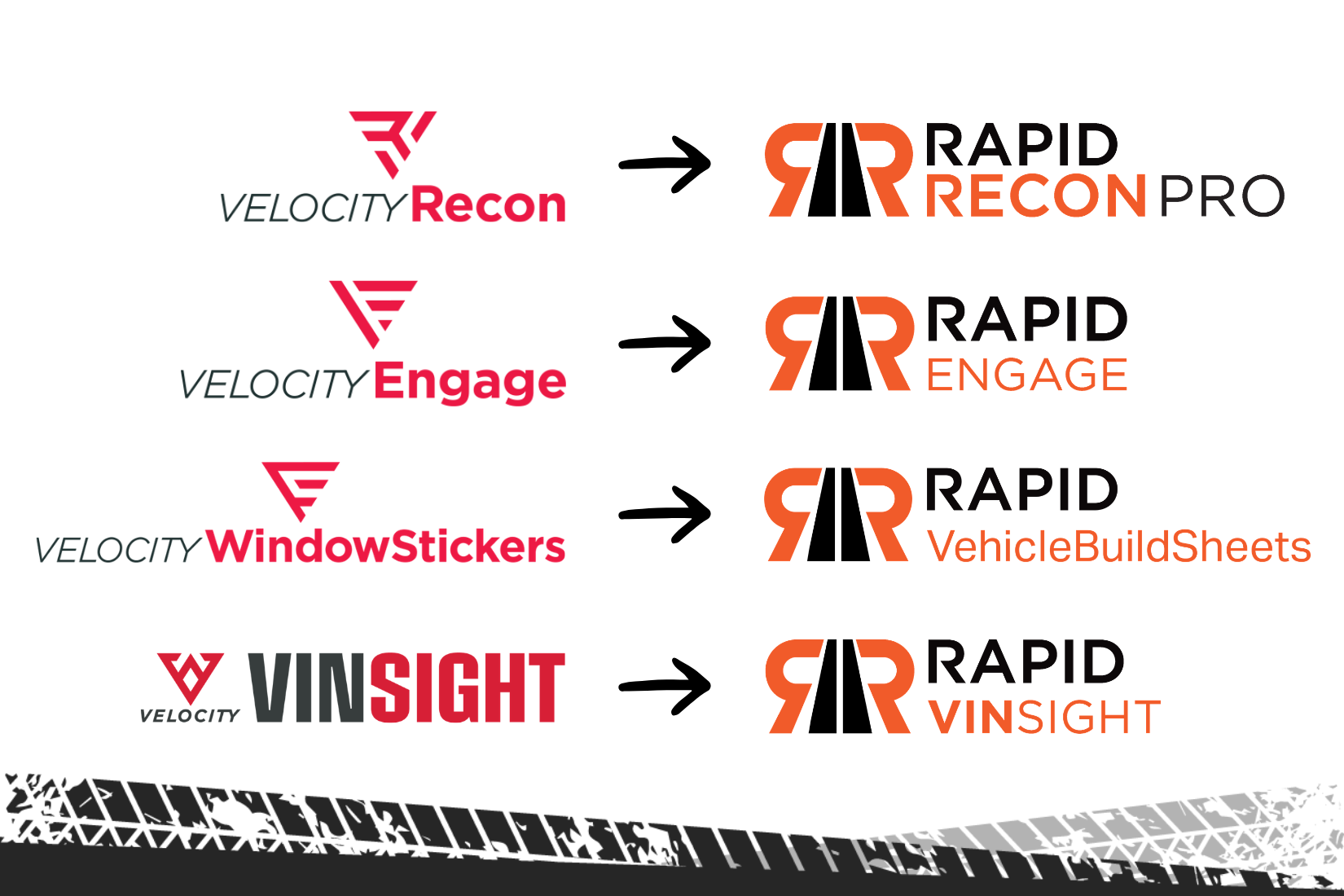

What This Transition Means for You
This video gives a quick look at why Velocity Automotive is moving under the Rapid Recon brand and what that means for your day-to-day. It explains how your tools and workflows stay the same while everything comes together under one unified, easier-to-navigate platform.
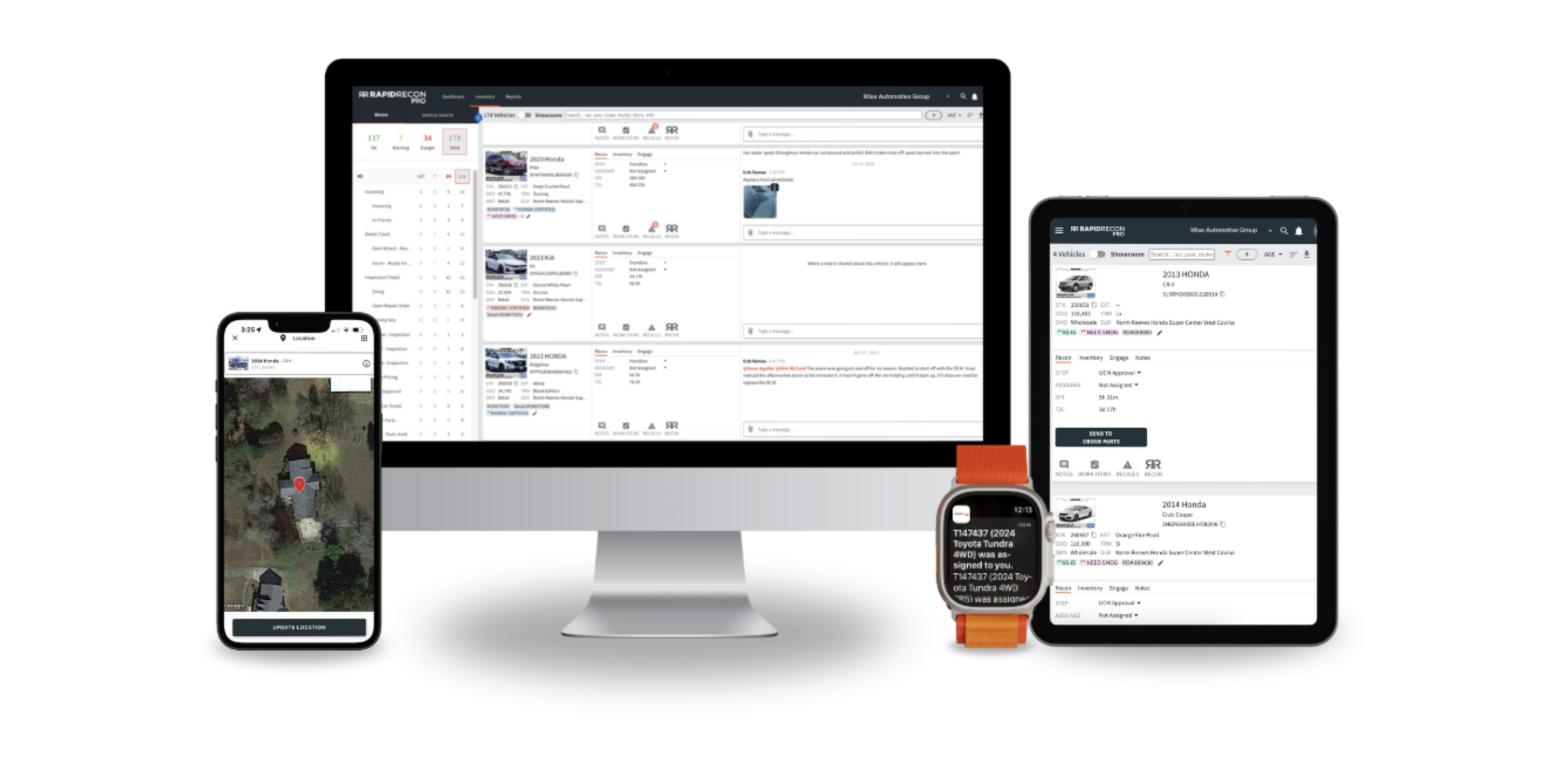
A unified platform built to deliver a smoother, stronger experience.
Your Velocity Tools, Now Under Rapid Recon
Velocity Automotive is moving under the Rapid Recon brand on October 20th, 2026 to give dealers one consistent, streamlined experience. Your tools stay the same and now sit within an improved platform.

Install Rapid Insight In Chrome
Know where every car stands without leaving the platforms you use every day.
Rapid Insight works in your IMS, DMS, CRM, and more. If it has a VIN and runs in Chrome, you’re linked. Rapid Insight is included in your subscription.
What it does:
With Rapid Insight turned on, you can select a VIN on the page you are already working in, check its status, and see key stats without leaving your system.
How to install it:
- Open Google Chrome on the computer you use for your inventory system or CRM.
- Go to the Rapid Insight page in the Chrome Web Store:
https://chromewebstore.google.com/detail/mhifknfbekplanegfnnkcmhnmbljjaoj - Click Add to Chrome, then click Add extension when Chrome asks you to confirm.
- Click the puzzle piece icon at the top right of Chrome, find Rapid Insight, and click the pin so it stays in your toolbar.
- Open your inventory management system or CRM, click the Rapid Insight icon to turn it on, and sign in with your Rapid Recon username and password if prompted.
- Select a VIN to see its status and key stats.
If you run into trouble:
If Add to Chrome is missing or greyed out, your company’s IT may be restricting extensions. Ask them to allow Rapid Insight; the link in step 2 is all they need. For anything else, reach out to Rapid Recon Support using the contact details below.

FREQUENTLY ASKED QUESTIONS
Related Content
19/10/2026
Vehlo Uniting Its Reconditioning Platform Under the RapidRecon Brand
Read More

16/10/2026
How to cut recon downtime at your dealership
Read More
